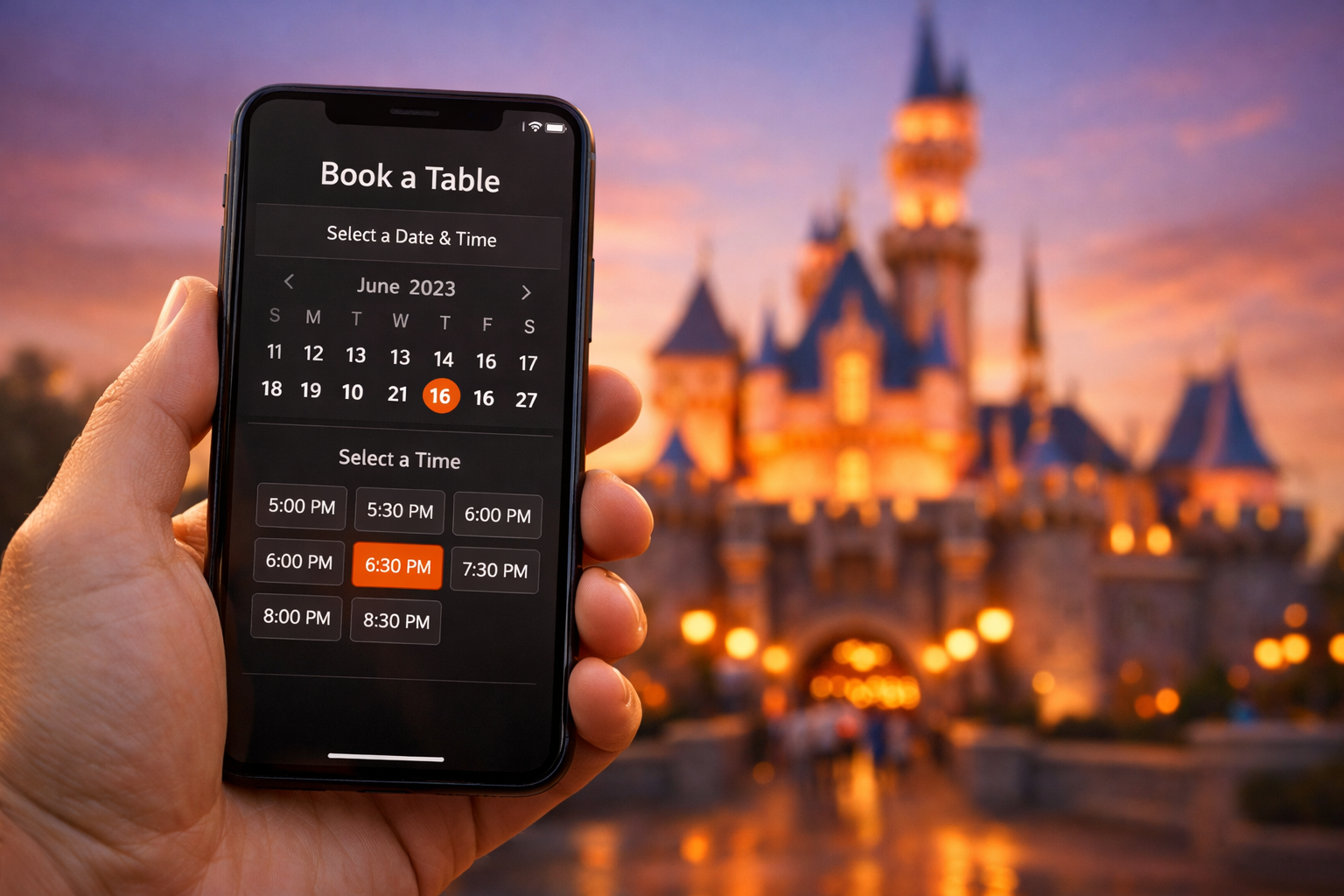
Disney Just Changed How You Book Dining Reservations — And It Could Cost You Your Table
If you’ve tried to snag a coveted dining reservation at Walt Disney World recently, you may have noticed something feels a little… off. The My Disney Experience app — the hub of all things Disney World planning — quietly changed how Advanced Dining Reservations (ADRs) work, and guests are not happy about it.
According to Disney Food Blog, the app now redirects guests to an external web browser to complete their dining bookings, rather than handling the whole process inside the app as it always has before.
What Exactly Changed?
Previously, booking a table at Be Our Guest, Cinderella’s Royal Table, or any of Walt Disney World’s hundreds of dining locations was a smooth, all-in-one experience inside the My Disney Experience app. You’d tap “Check Dining Availability,” pick your date and party size, and you were done — all without leaving the app.
Now? When you tap that same button, you’re kicked out to an external browser window to complete the booking. You’ll need to:
- Exit the My Disney Experience app entirely
- Select your party size and date in the browser window
- Log back into your Disney account credentials in the browser (yes, even if you’re already logged in on the app)
- Complete the rest of the reservation process in that external browser
It adds extra steps to what used to be a seamless process — and in the high-stakes world of Disney dining reservations, those extra seconds can mean the difference between getting your dream restaurant and watching availability vanish in real time.
Why Did This Happen?
The change was first noticed on February 19, 2026, when Disney opened reservations for the brand new Garden View Lounge Tea Experience at the Grand Floridian Resort. The experience — priced at $79 for adults and $49 for children — sold out in less than one hour after reservations opened at 6:30 a.m.
The theory is that Disney redirected the process to a browser window specifically to handle the massive traffic spike that came with that opening. Disney’s park pass reservation system already runs through an external browser, and that setup has proven more capable of handling large surges of simultaneous users.
So essentially, it looks like Disney may be standardizing all reservations — both dining and park passes — to use the same browser-based system.
Why This Is a Problem for Guests
For the most competitive reservations at Disney World — think Space 220, Oga’s Cantina, or any character dining experience — being fast matters enormously. When thousands of guests are all trying to book at the exact same moment on the 60-day booking window, every second of friction counts.
Requiring guests to re-enter login credentials and navigate an external browser isn’t just mildly inconvenient — it could genuinely cause guests to miss out. Disney Food Blog notes that re-entering your password “can cost you precious time” at exactly the moment you can least afford to lose it.
There’s also an accessibility and usability concern: less tech-savvy guests, older visitors, or anyone juggling multiple devices may find the new process confusing in a way the in-app flow never was.
Is This Permanent?
That’s the big question right now. Disney has not made any official announcement about this change, and as of the time of reporting, it’s unclear whether this is a deliberate long-term shift or simply a temporary measure Disney put in place to handle demand for the Garden View Lounge launch.
Disney Food Blog specifically noted, “we’re not sure if this is a permanent change or if it’s just a glitch” — which sums up the collective uncertainty pretty well.
What You Should Do Right Now
Whether this becomes permanent or gets rolled back, here’s how to protect yourself when chasing competitive dining reservations:
- Log in before you need to. Make sure you’re signed into the Disney website in your phone’s default browser well before your 60-day booking window opens.
- Set up your party in advance. Familiarize yourself with the new browser-based flow before reservation day so there are no surprises.
- Use the desktop website. If you’re already planning to book on a computer, the browser redirect may actually feel more natural.
- Set an alarm. For the most in-demand spots, be ready at exactly 6:00 a.m. on your booking day — not a minute later.
We’ll be watching closely to see whether Disney reverses this change or rolls it out more broadly. Either way, it’s a good reminder that Disney’s reservation system is never quite as predictable as guests would like it to be.
Have you noticed this change when booking dining recently? Let us know in the comments!
Source: Disney Food Blog